

For sales operations
The numbers disagree. Which one is right?
Give people, shops, prices and orders one structure, so every report describes the same thing.
- One structure
- Prices under control
- Traceable handovers

Your work, two ways
Same work. Numbers that agree.
Setting up
A new price list
Sent on WhatsApp. Some bookers keep the old one.
Assigned by area and distributor, with dates. Every order uses it.
Every day
Orders come in
Booked in one sheet, dispatched in another.
One order, carried from booking to delivery.
Every week
Something does not match
Days of calls to find the gap.
The handover where the number changed is on record.
Month end
The reports
Rebuilt by hand for each manager.
Scheduled reports. Each manager sees their own area.
The numbers agree
Three numbers. One order record.
Sales, the warehouse and accounts each had their own figure. In SELL 360 they are three stages of the same orders, so every difference has a reason.
Sales team
Booked
1,240 cartons
Which one is right?Warehouse
Dispatched
1,180 cartons
Which one is right?Accounts
Delivered
1,150 cartons
Which one is right?60 shortOut of stock at loading
30 returnedDamaged, recorded at the shop
What you get
Less chasing. Records you can trust.
The big one
One structure
People, territories, shops and distributors set up once, and used by every module.
“Same order, same number, everywhere.”
You get
Prices and schemes in control
Catalogues, discount slabs and policies assigned to the right area and dates.
You get
Every handover traced
Order states, stock history and day close records explain each difference.
You get
Reports on schedule
Previews, exports and scheduled reports for each manager’s area.
You get
Clear ownership
Every territory, route and shop has a name next to it, and distributor checks by field managers are on record.
See distributor compliance checks.Your questions
Questions you can finally answer.
Pick a question you ask every month. See the path SELL 360 takes you down to answer it.
Where SELL 360 takes you
- Order
- Catalogue
- Price
- Scheme
The order keeps the catalogue, price and scheme that applied on the day it was booked.
Answered in The platform
Explore the PlatformWhere SELL 360 takes you
- Booked
- Allocated
- Dispatched
- Delivered
All four stages for the same order, with the stage where the quantity changed and the reason.
Answered in Distribution
Explore DistributionWhere SELL 360 takes you
- Region
- Area
- Territory
- Route
The hierarchy of people, areas and routes, with each manager’s own scope.
Answered in The platform
Explore the PlatformWhere SELL 360 takes you
- Sales figure
- Warehouse figure
- The stage
- The reason
They describe different stages. Side by side, the difference has a reason: short stock, a split load or a return.
Answered in Distribution
Explore DistributionAvailable views and configuration may vary by setup. Confirm details in a walkthrough.
Your tools
Your tools in SELL 360.
The modules you will use most, and what you will use them for.
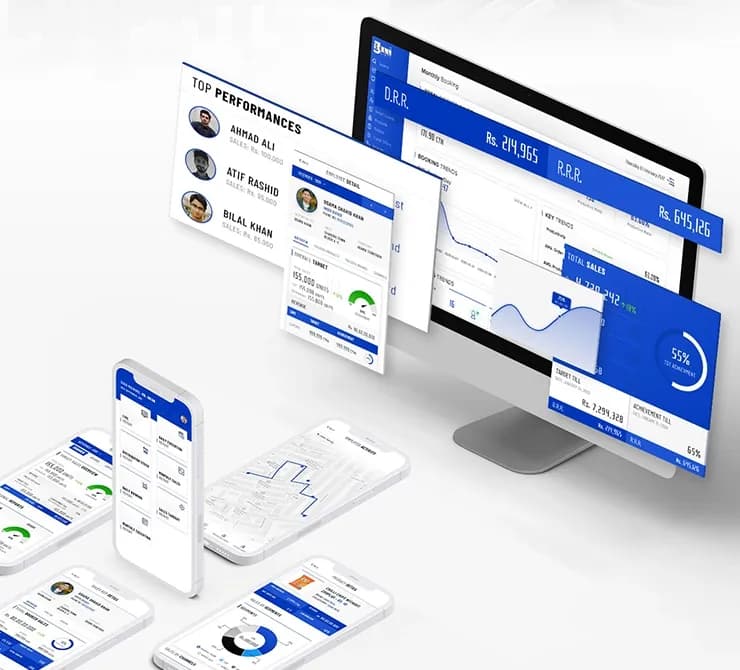 PlaceholderYour structureThe platformYou will use it to
- Set up people, areas and routes
- Assign catalogues, prices and schemes
- Keep one structure for every module
- Trace each order from booking to delivery
- See split loads and returns
- Check the day close
- Follow primary orders entered by company managers
- Preview and export reports
- Schedule reports for each manager
- Break down by area, team and product